

Skip to main content Scroll Top

No more notebooks
No more tokens

DrQueues digitally connects out-patients with their doctor.

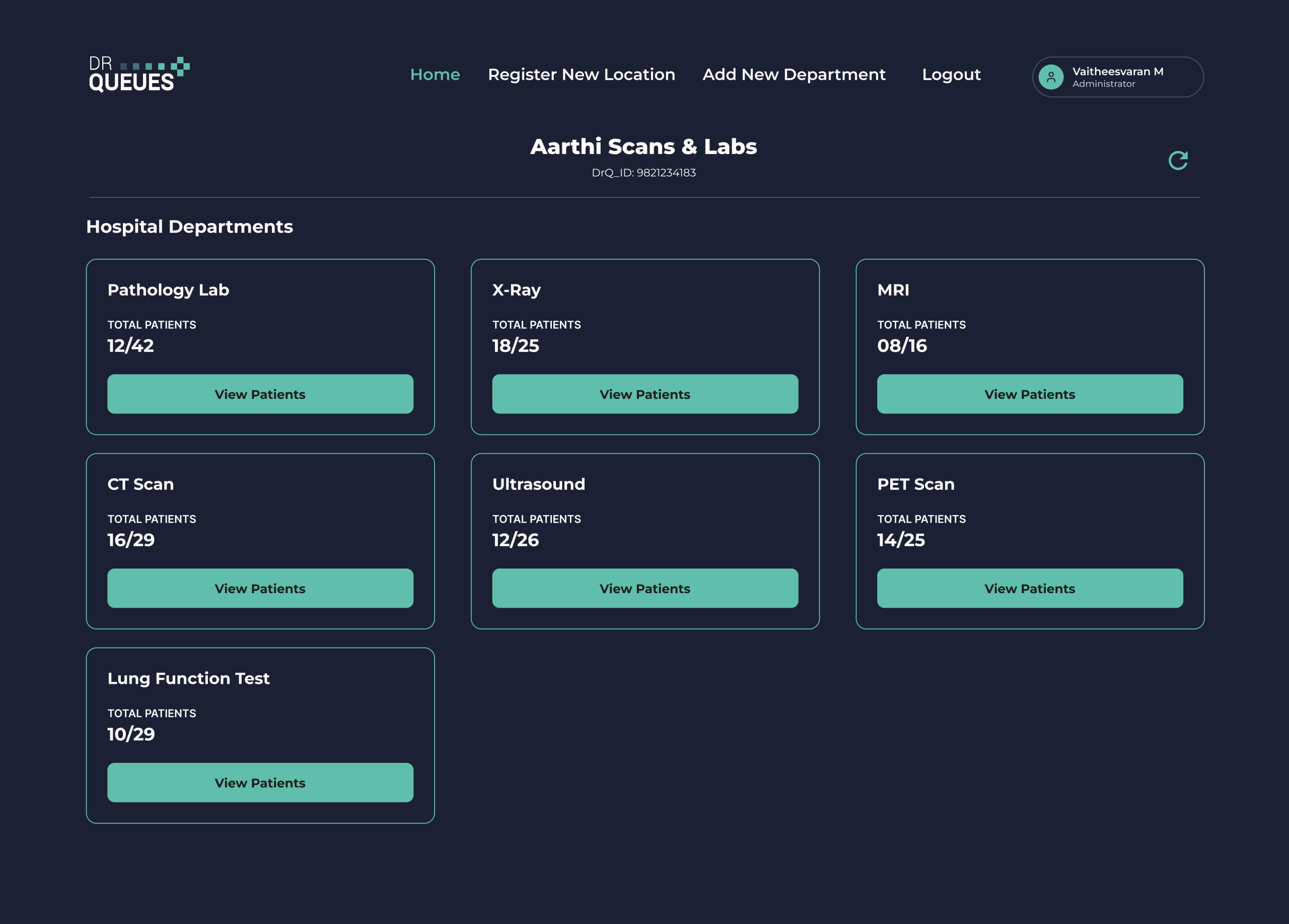
Diagnostic Center Management

drqueues.com/hospital-dashboard
DrQueues Screen View DrQueues Screen View

Digitize Your Diagnostic Center with QR-Based Patient Management

Every diagnostic center handle hundreds of patients every day for blood tests, CT scans, MRI, X-Ray, Ultrasound, ECG, and other diagnostic services. Managing patient registration, collecting reports, and delivering printed copies can consume valuable staff time and create long waiting queues. Patients often return to the diagnostic center just to collect their reports, while laboratories spend additional time answering calls about report availability.

DrQueues transforms this entire workflow into a simple, digital process. From patient check-in to secure report delivery, everything is managed through an intelligent web platform, helping diagnostic centers improve efficiency, reduce paperwork, and provide a modern patient experience. 

Upload Reports in Seconds and Deliver Them Instantly

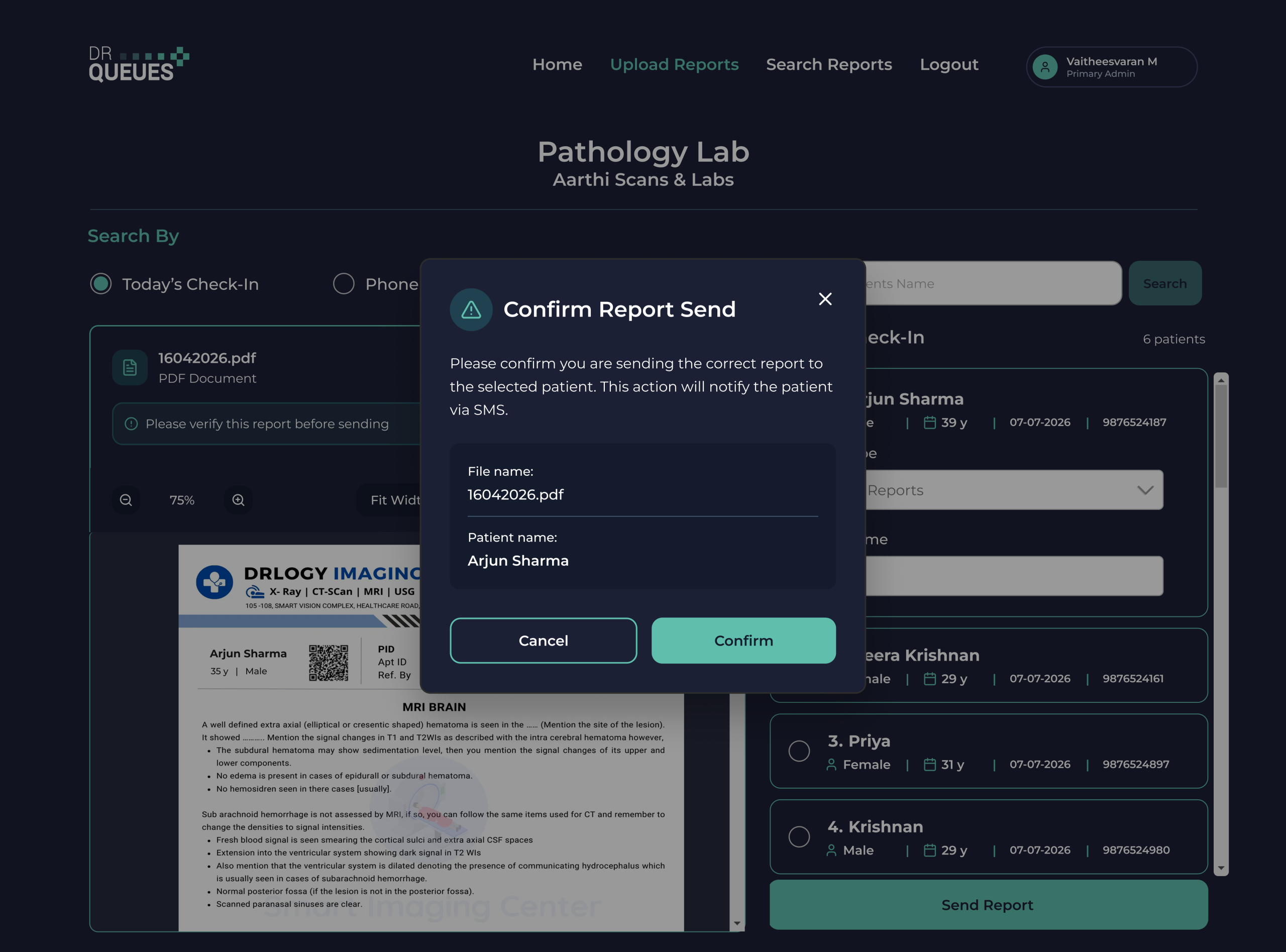
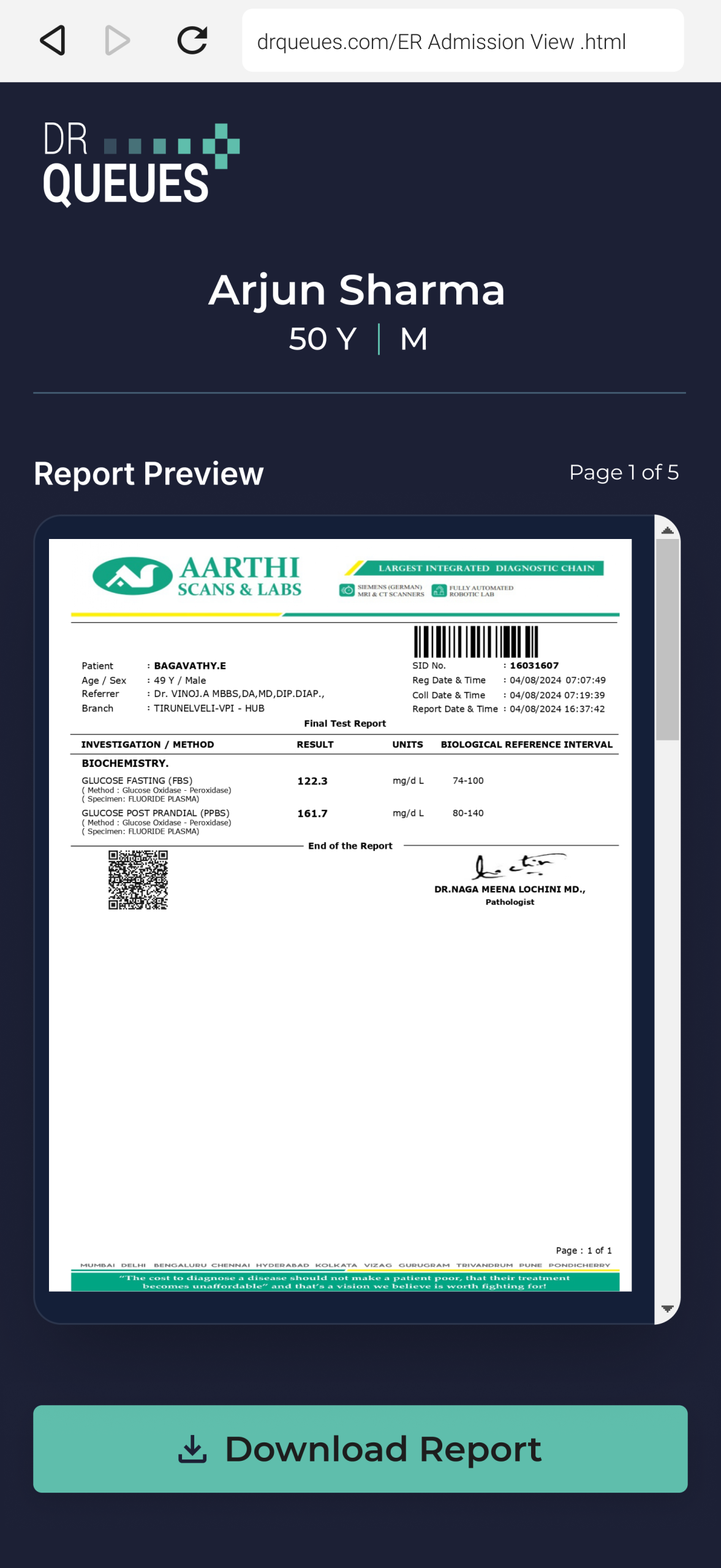
Once a patient's laboratory or imaging report is ready, the lab technician simply clicks Upload Report, searches for the patient, selects the report type, uploads the report, and sends it with a single click. There is no need to print reports, manually send WhatsApp messages, or ask patients to revisit the laboratory. The entire report delivery process is completed digitally, saving time for both staff and patients while ensuring reports reach the right person securely and instantly.
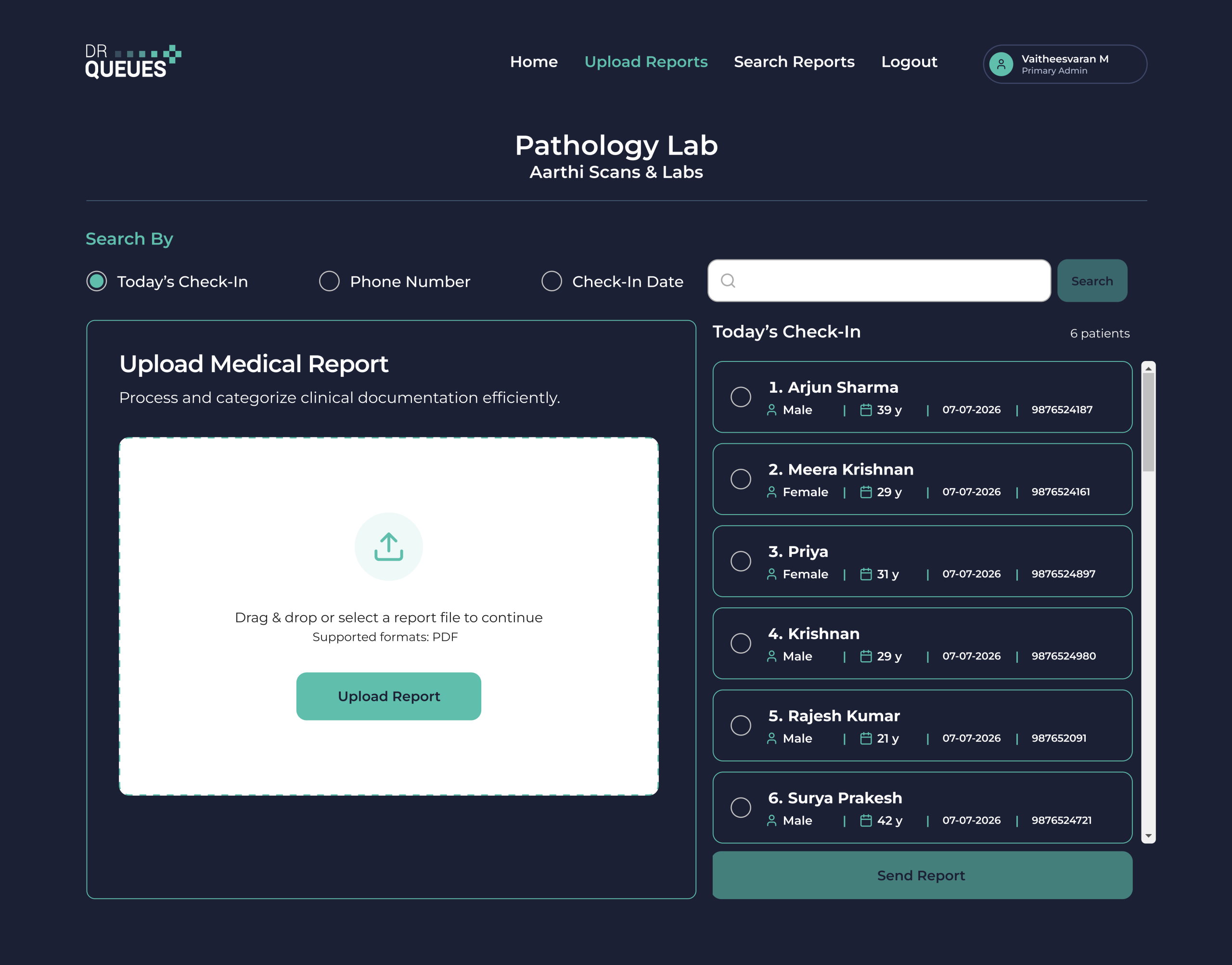
drqueues.com/hospital-dashboard
DrQueues Screen View DrQueues Screen View

Automatic Report Delivery Through Medugo

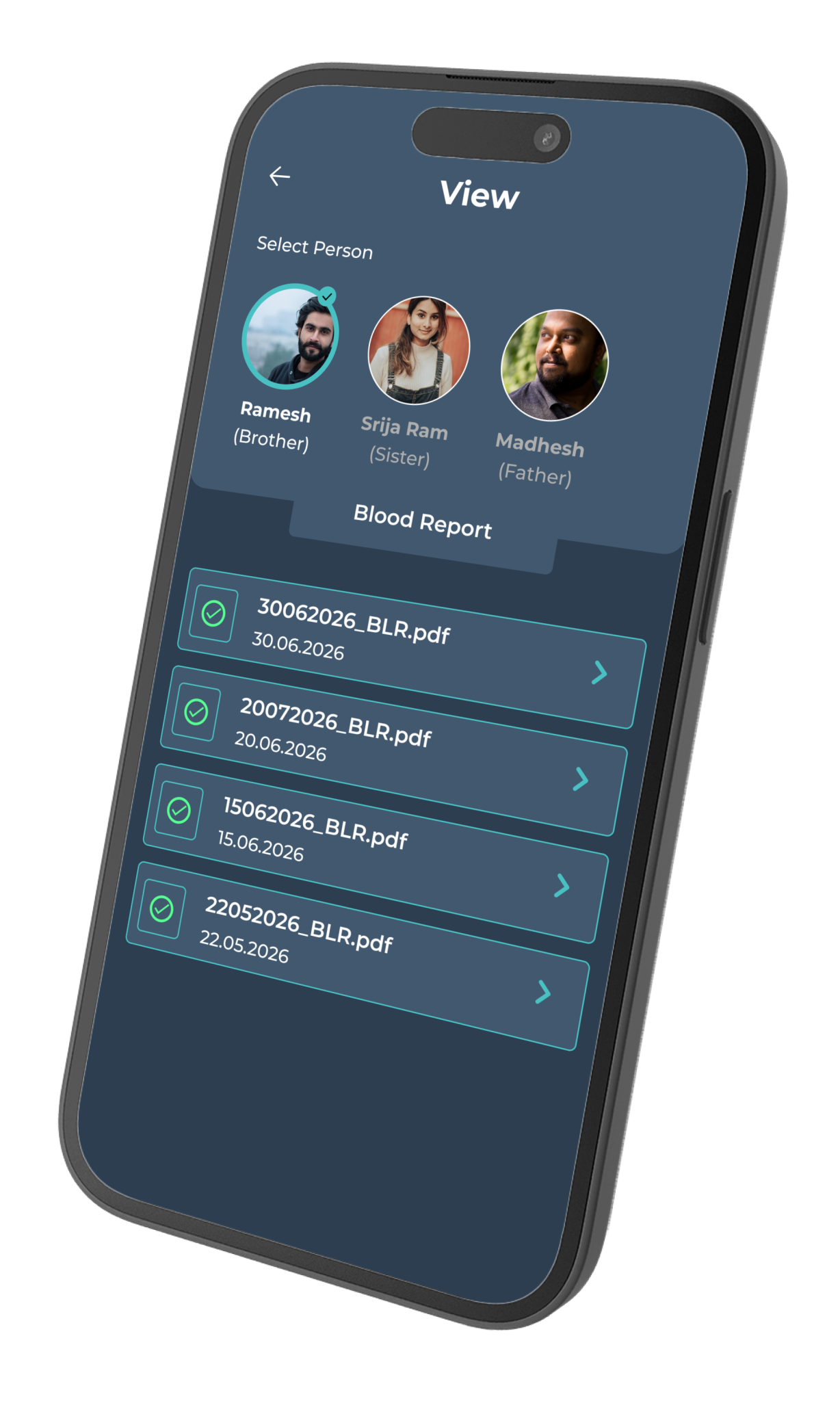
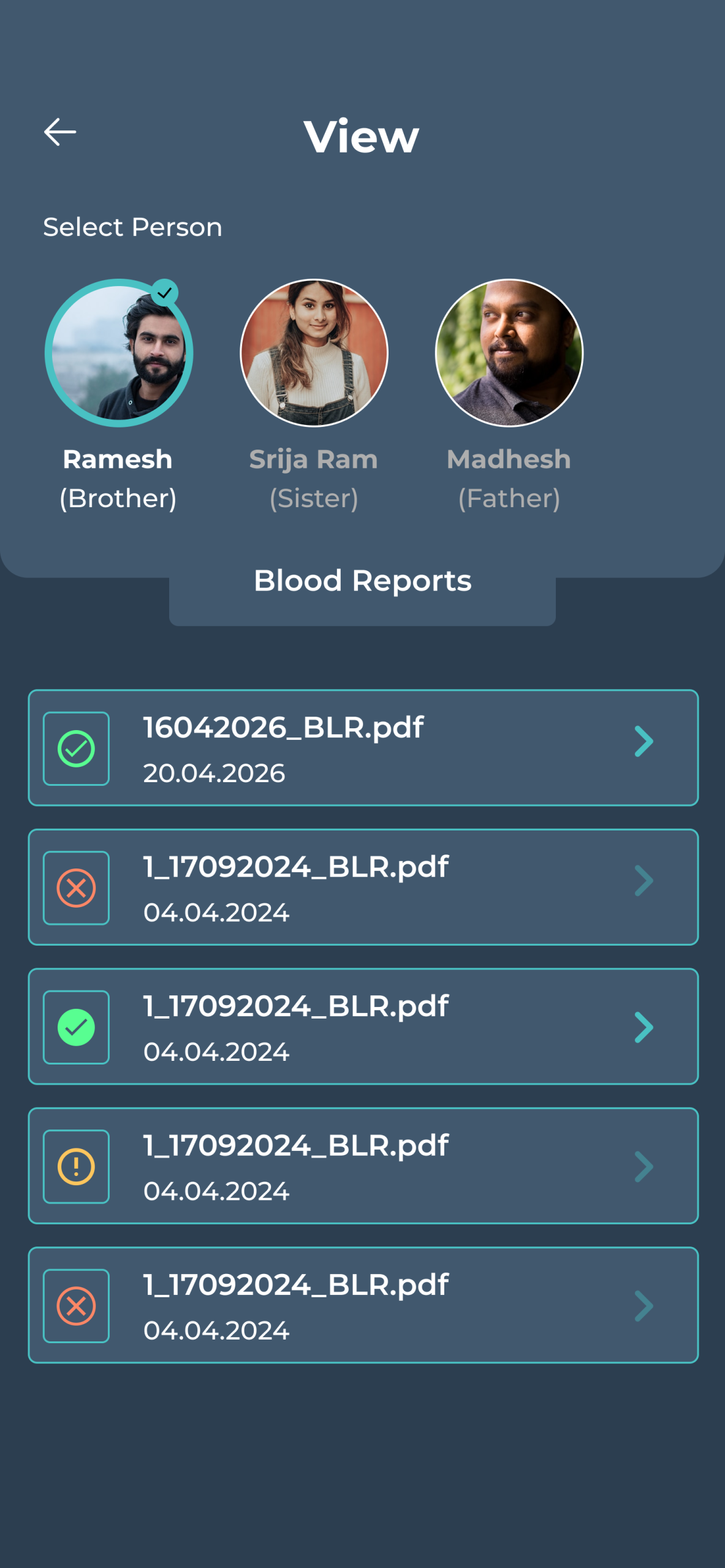
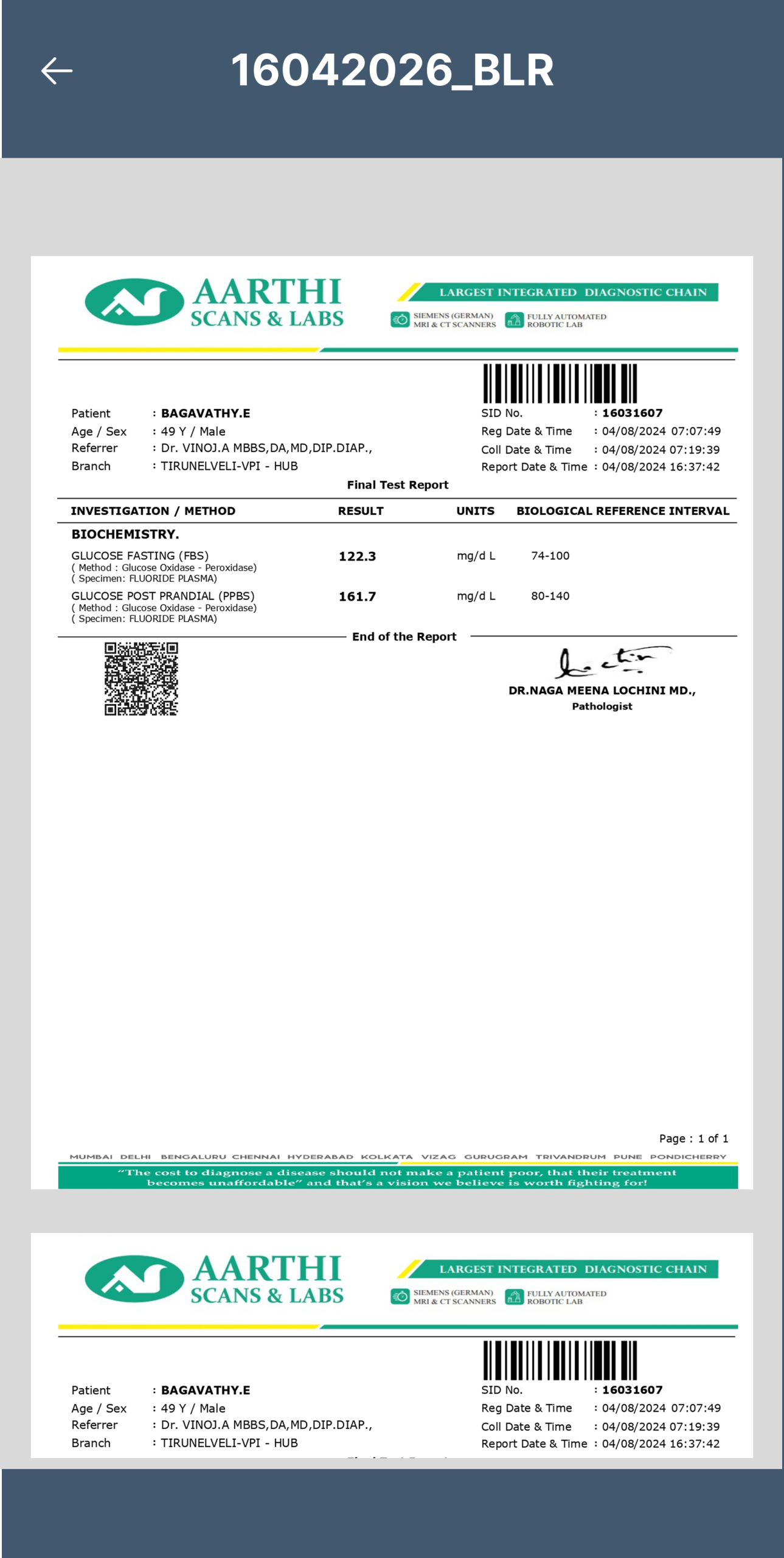
If the patient is using the Medugo App, the uploaded report is automatically delivered to their personal medical records. Blood reports, scan reports, and other diagnostic documents are securely stored in the Medugo App, where they can access them anytime, share them with doctors during consultations, and maintain a complete medical history without worrying about losing paper reports. This seamless integration between DrQueues and Medugo creates a connected digital healthcare experience for both patients and healthcare providers. 

Reach Every Patient—Even Without the Medugo App

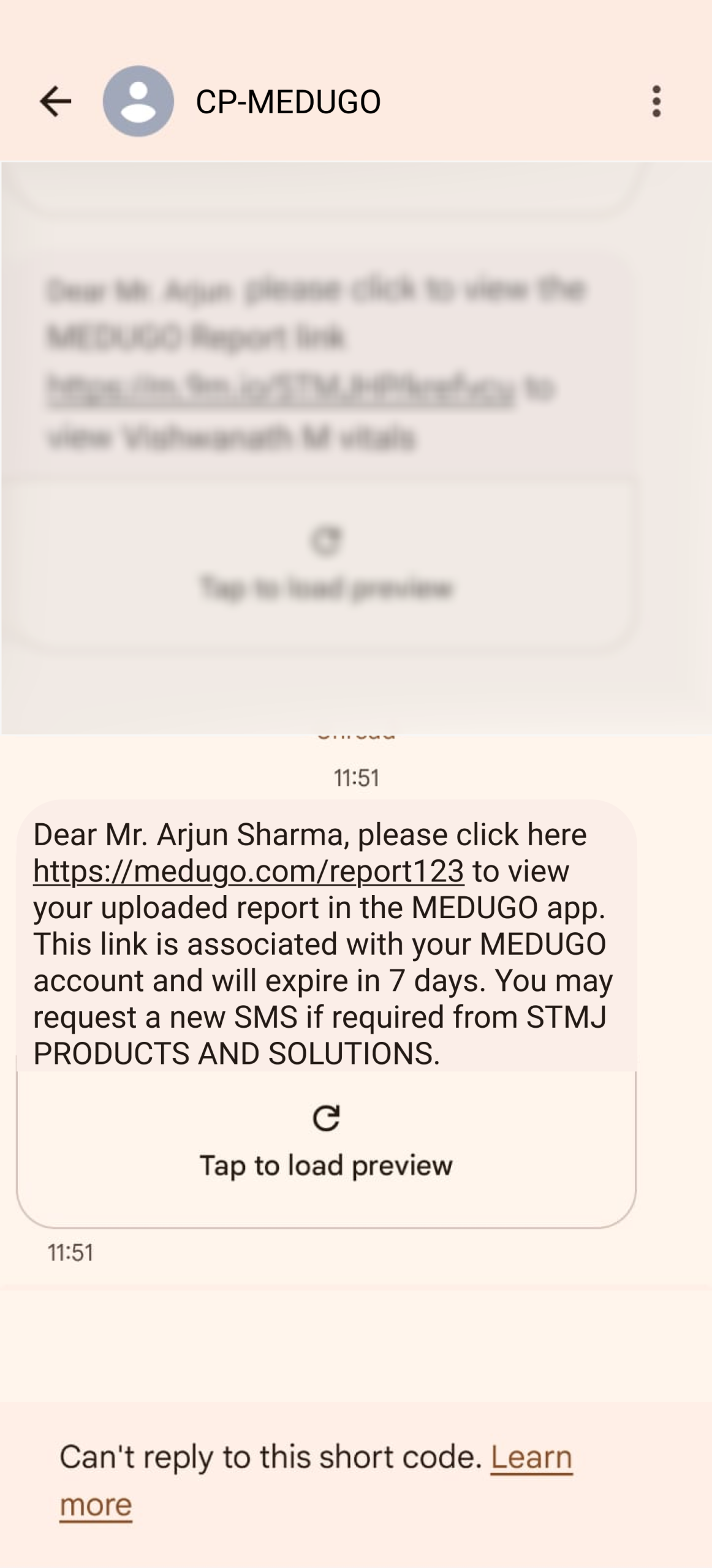
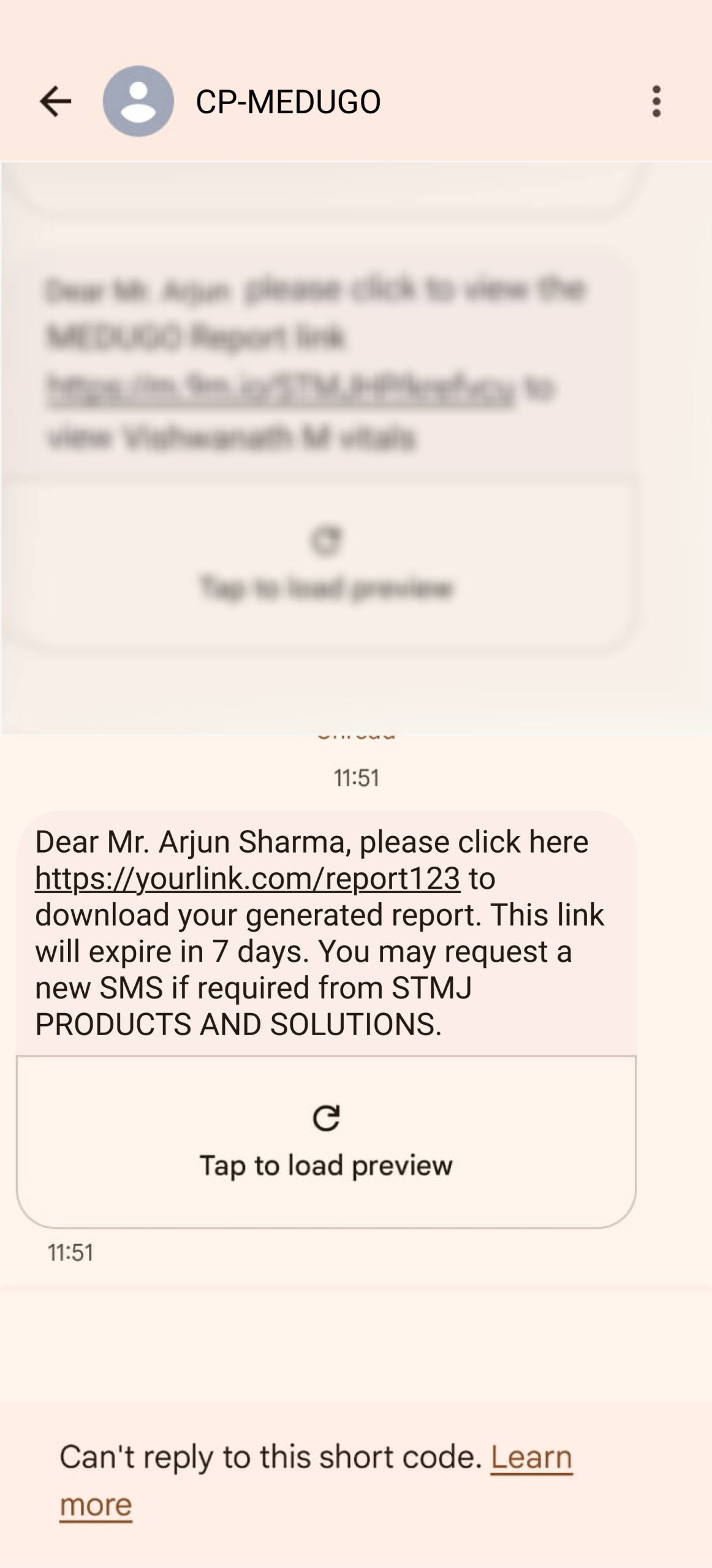
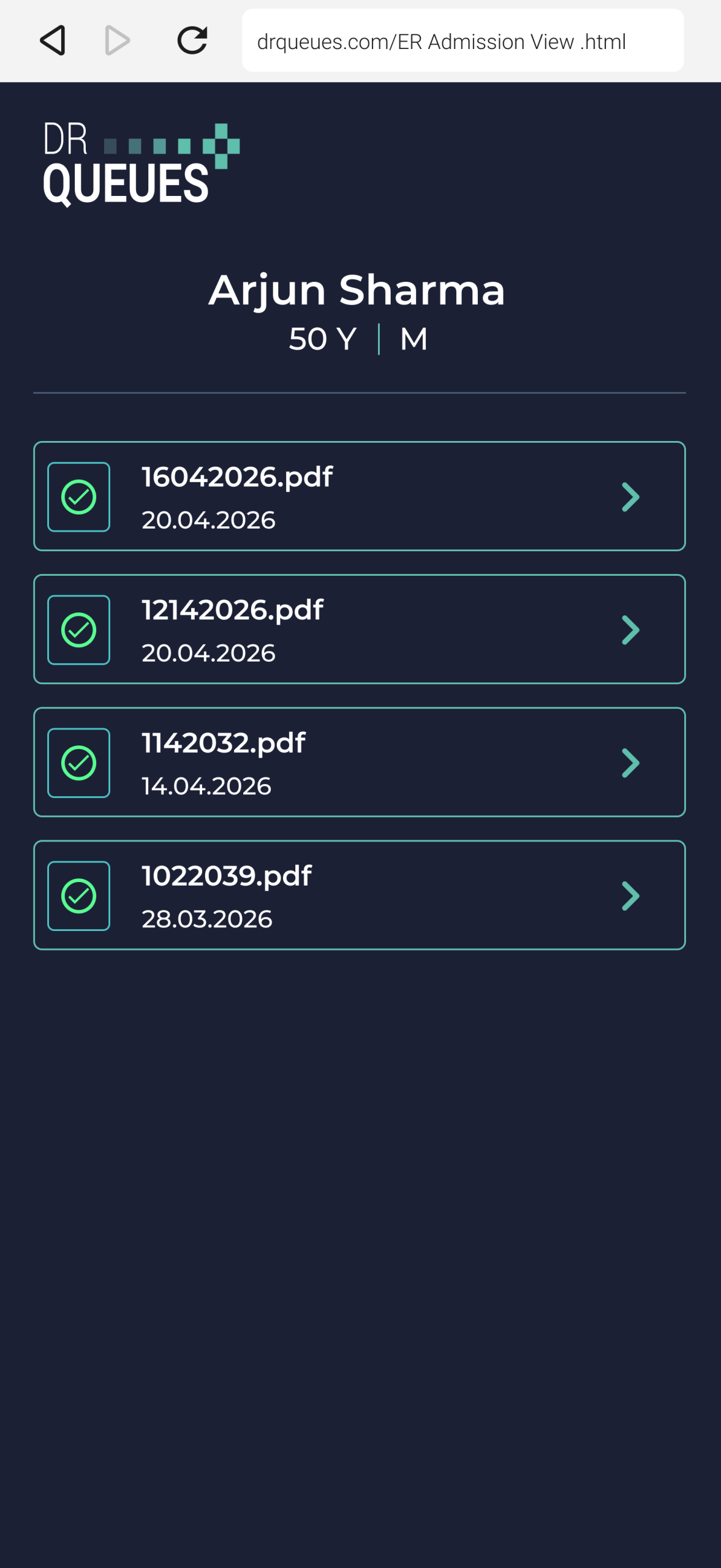
Not every patient has the Medugo App installed, and that’s perfectly fine. DrQueues automatically detects whether the patient is linked with Medugo. For patients who are not using the app, the system instantly sends an SMS containing a secure report link. Patients simply tap the link to view or download their report directly from their mobile phone without installing any additional application. This ensures every patient receives their diagnostic report quickly, securely, and conveniently, while helping diagnostic centers eliminate paper reports, reduce operational costs, and provide a faster, smarter, and completely digital reporting experience. 

Designed for Doctors Clinic
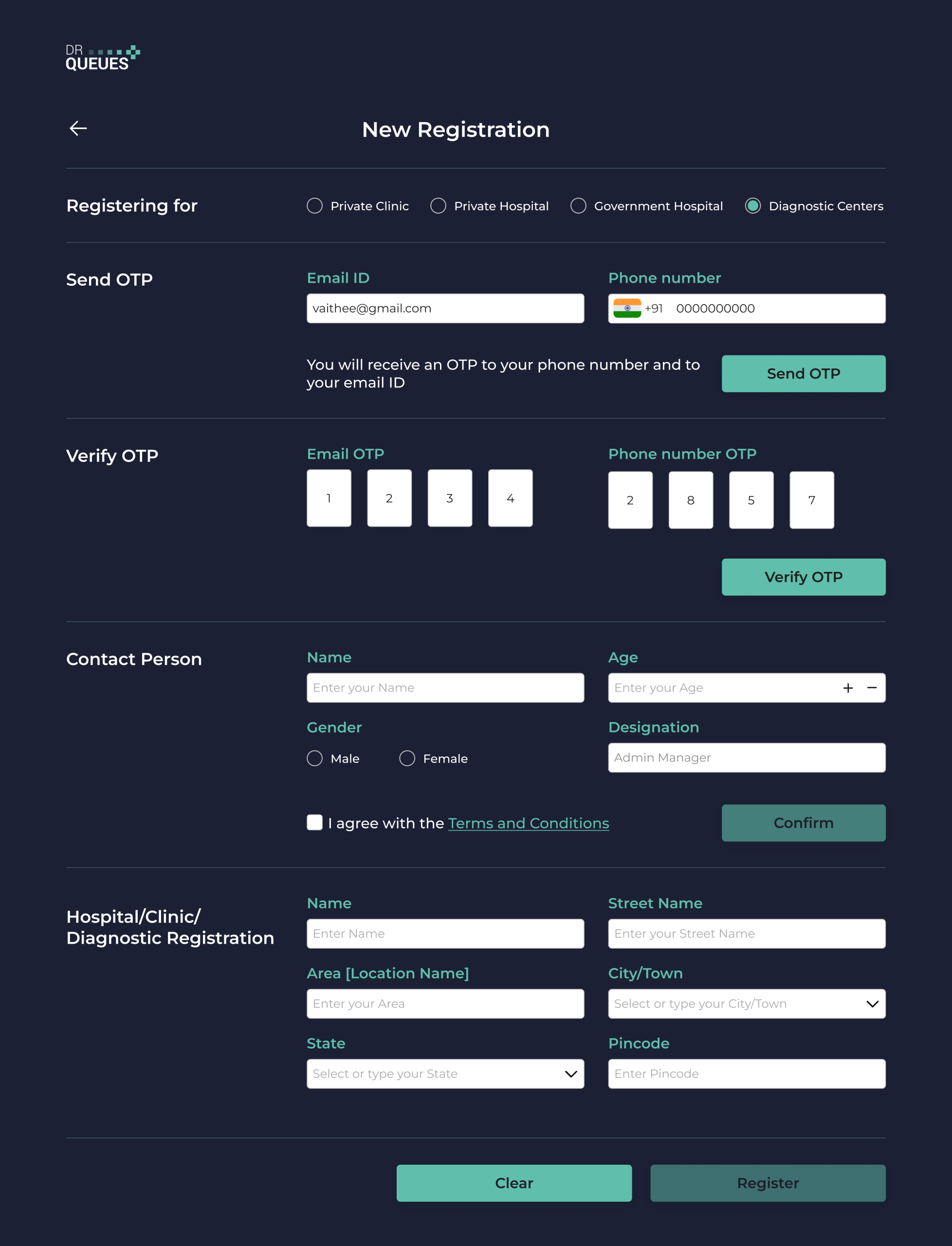
Register your Lab

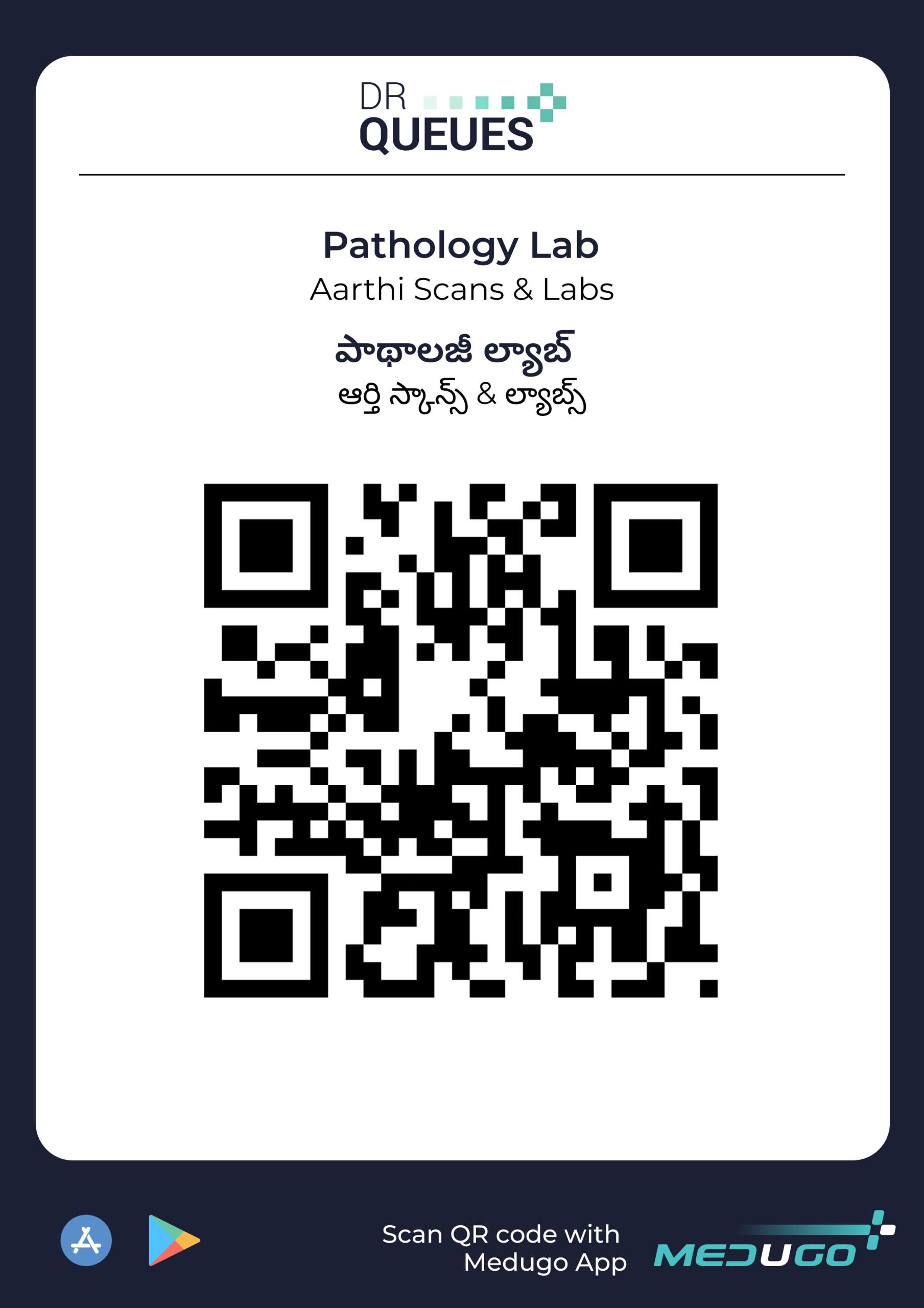
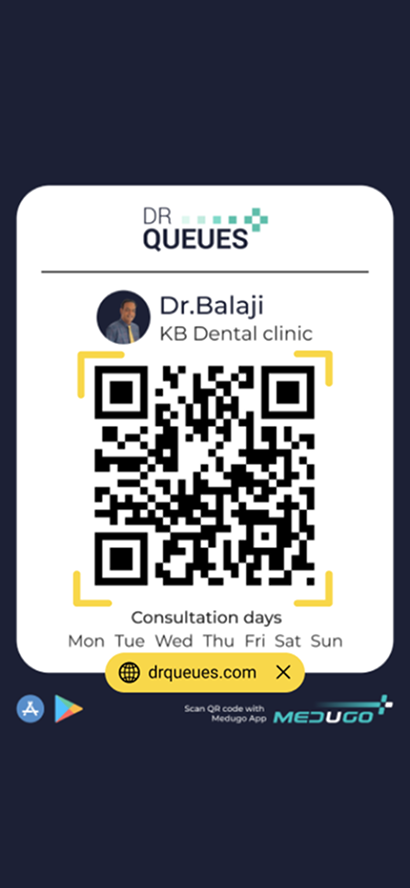
Generate QR Code

Print QR Code

Stick QR code on the Wall

Select and Upload Lab Reports

Confirm and Send Report

Features

Register Your Diagnostic Center

Create your diagnostic center account in minutes and start managing patient visits, test workflows, and report delivery from a single platform.


Venusgeo Icons
Venusgeo Icons

Upload Diagnostic Reports

Upload and send blood reports, scan reports, ECG reports, X-Ray reports, MRI reports, CT Scan reports, and other diagnostic documents directly to the patient’s mobile.

Automatic Report Delivery to Medugo

If the patient is a Medugo user, uploaded reports are automatically delivered to their Medugo App, where they remain securely stored for future reference.

Venusgeo Icons

SMS Report Sharing

For patients who do not use Medugo, send a secure SMS containing a report download link, making report distribution quick and paperless.

Diagnostic View
Dr Queues — Product Showcase
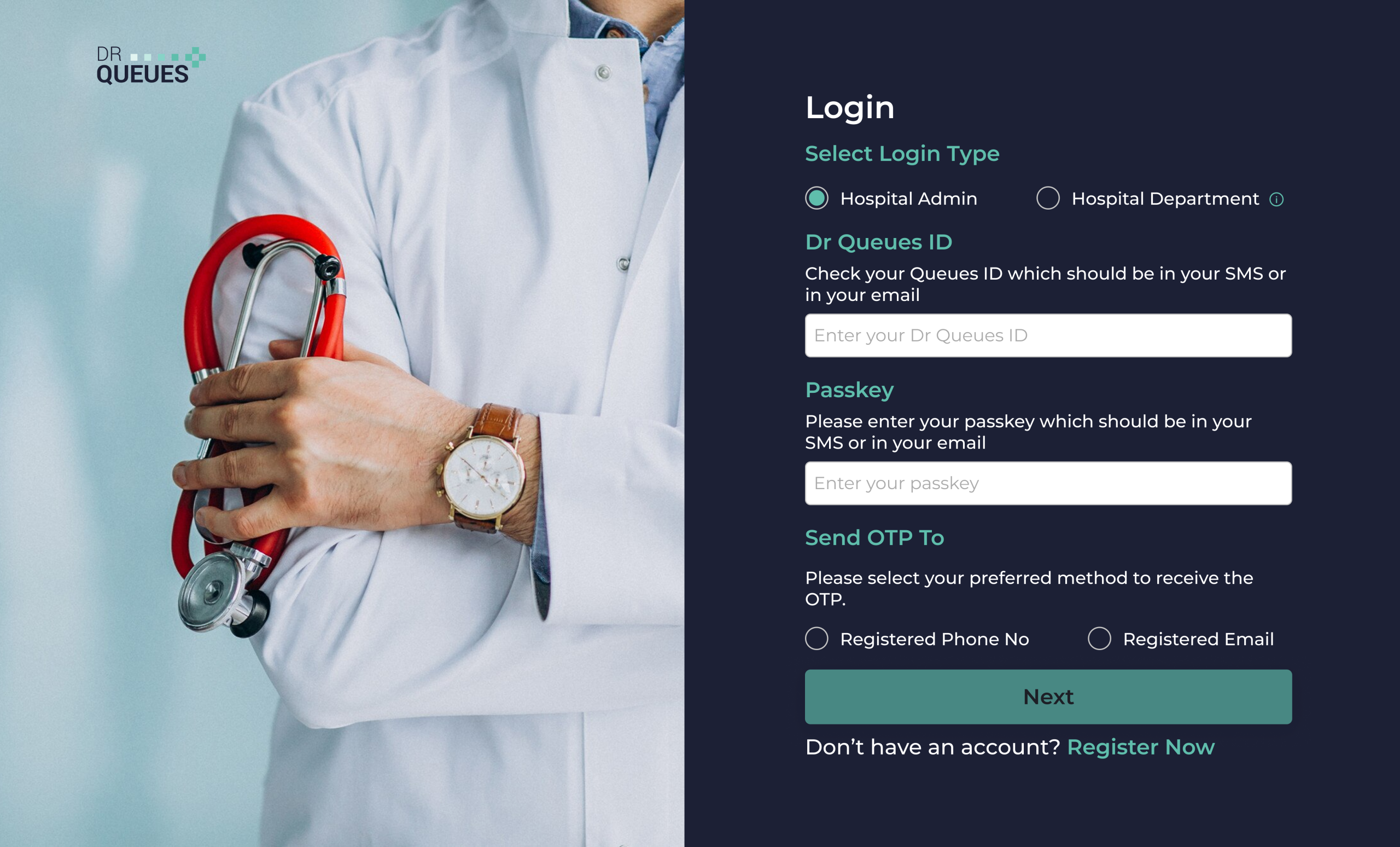
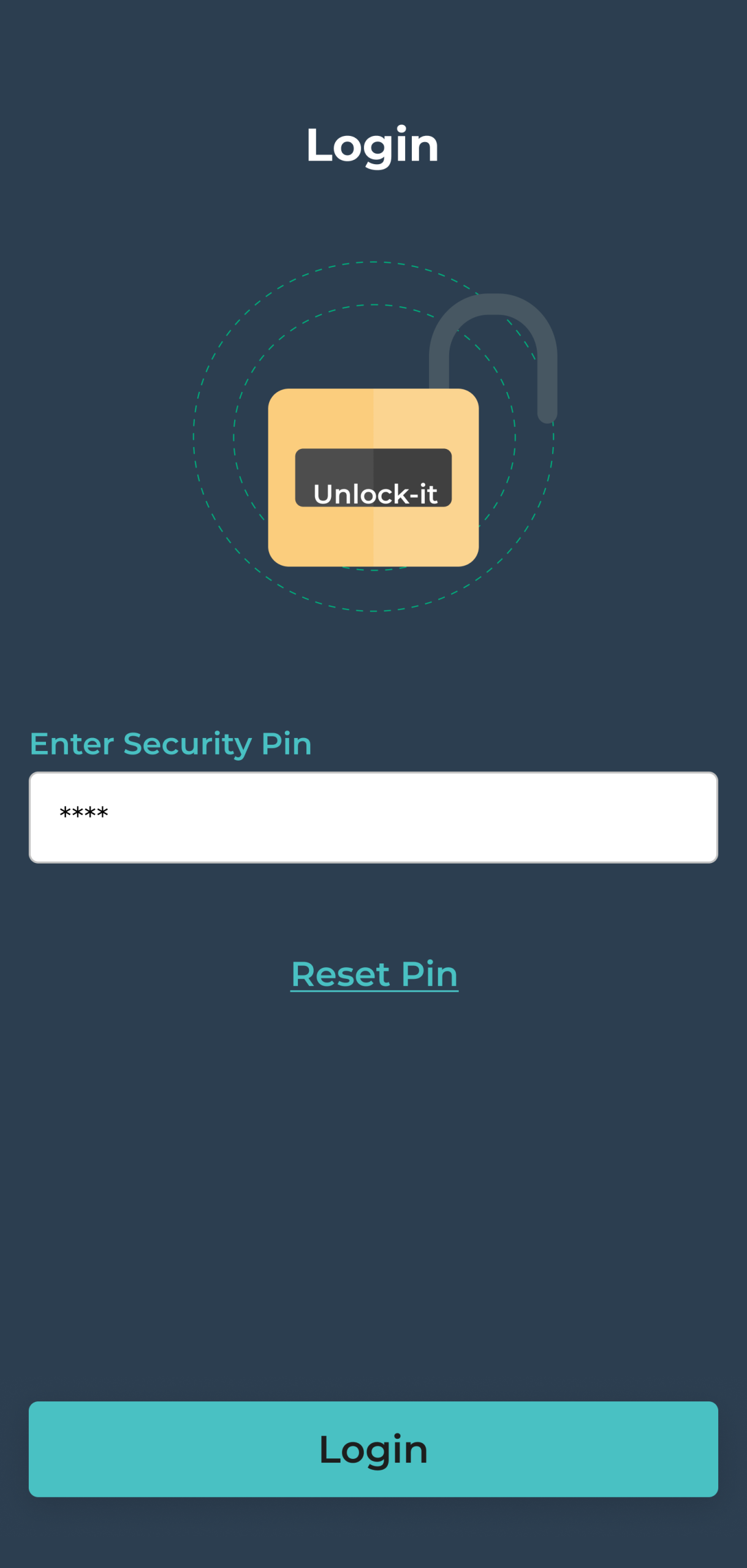
Login Screen
New Registration
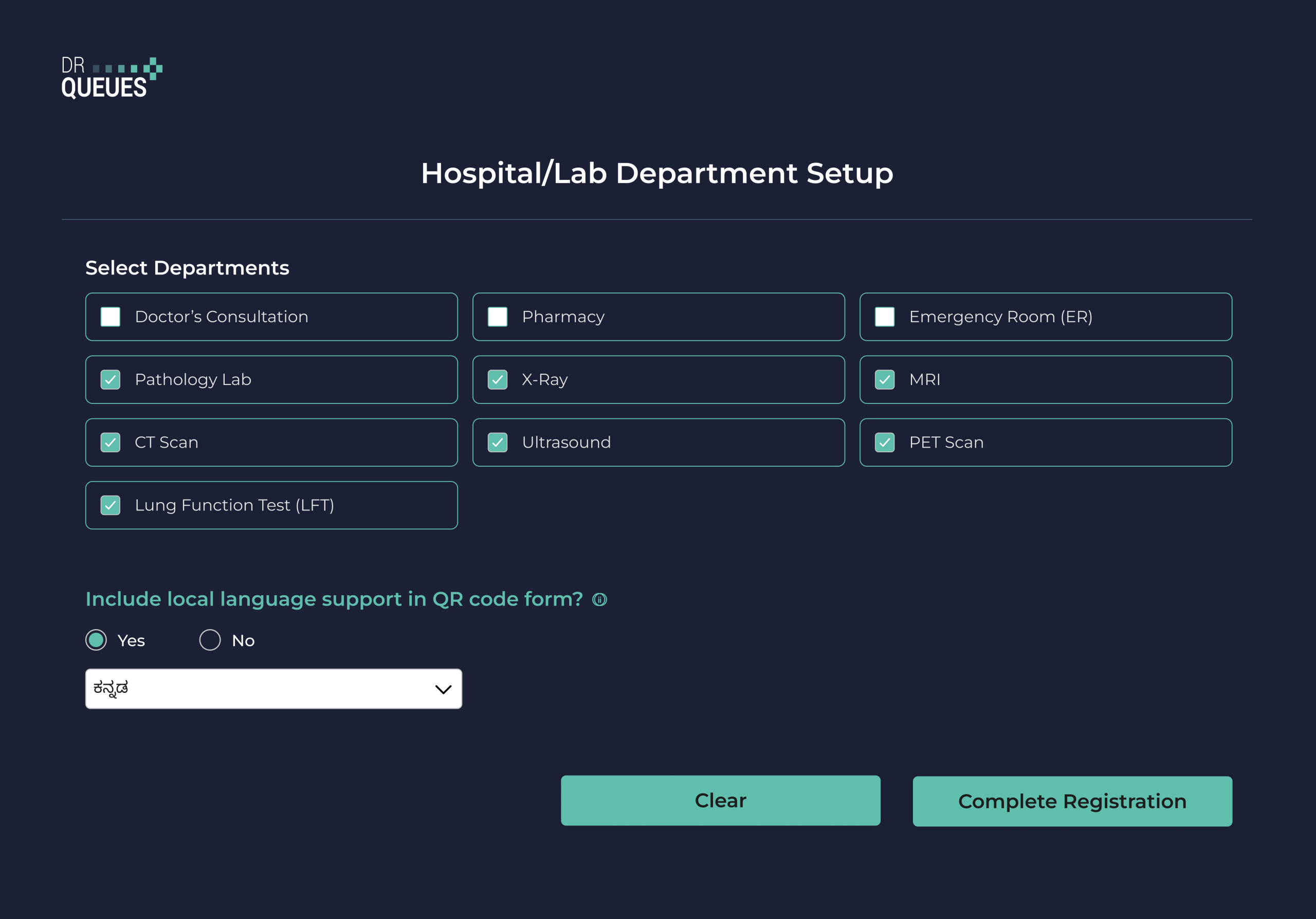
Department Setup
Dashboard
Upload Report
Confirm Send
QR Code
SMS Preview
Login
Family Members
Report View
Report List
Patient Reports
Lab Report
Login
1 / 14
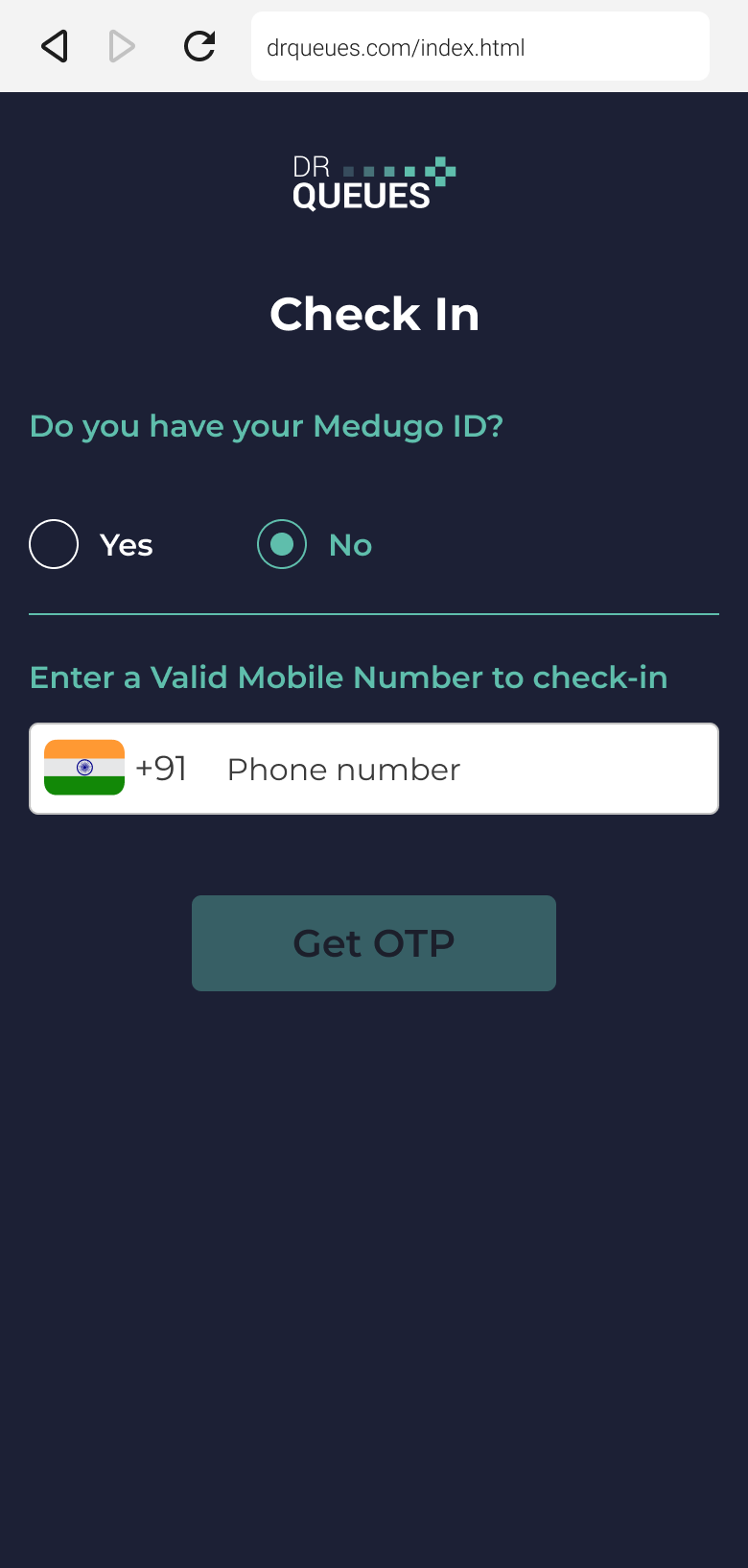
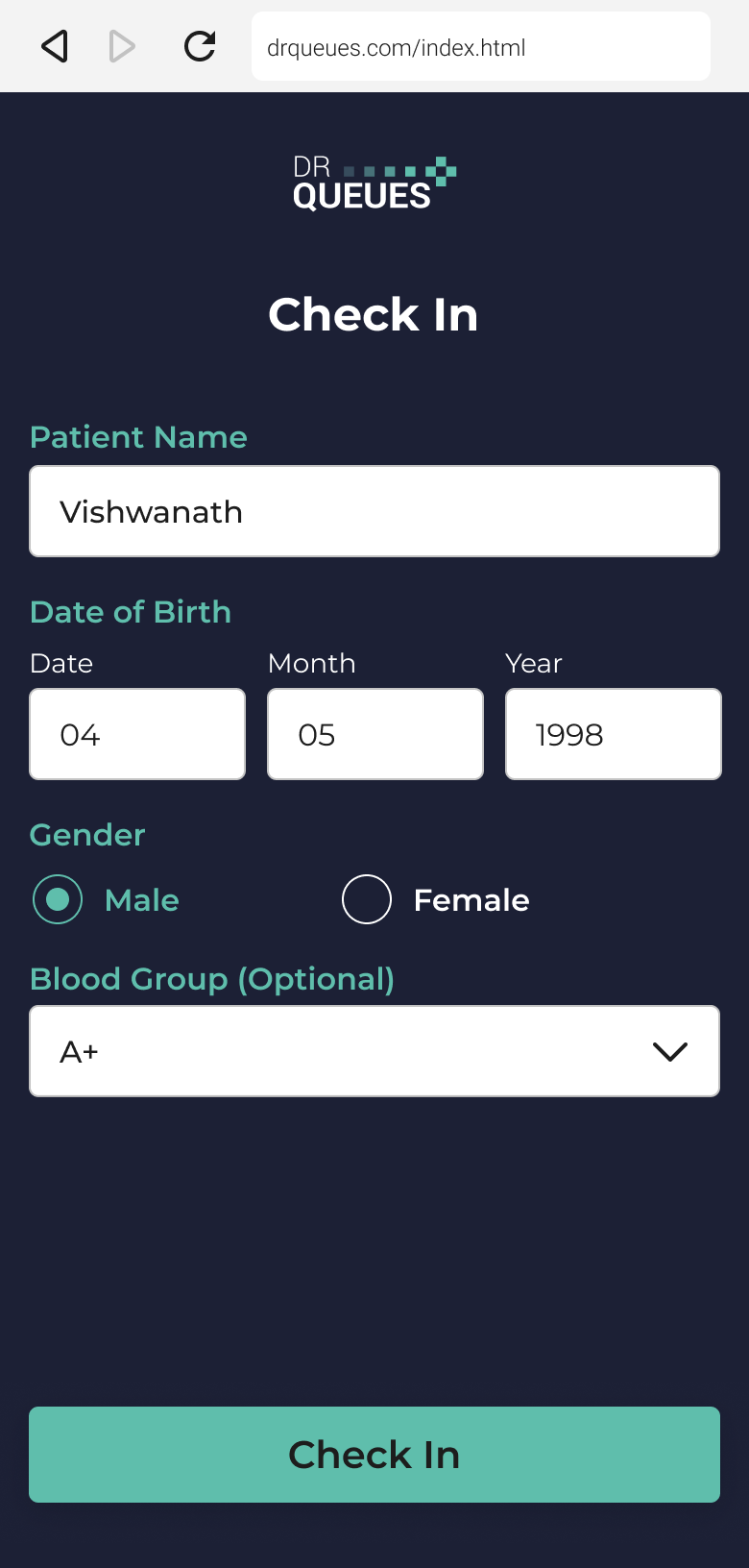
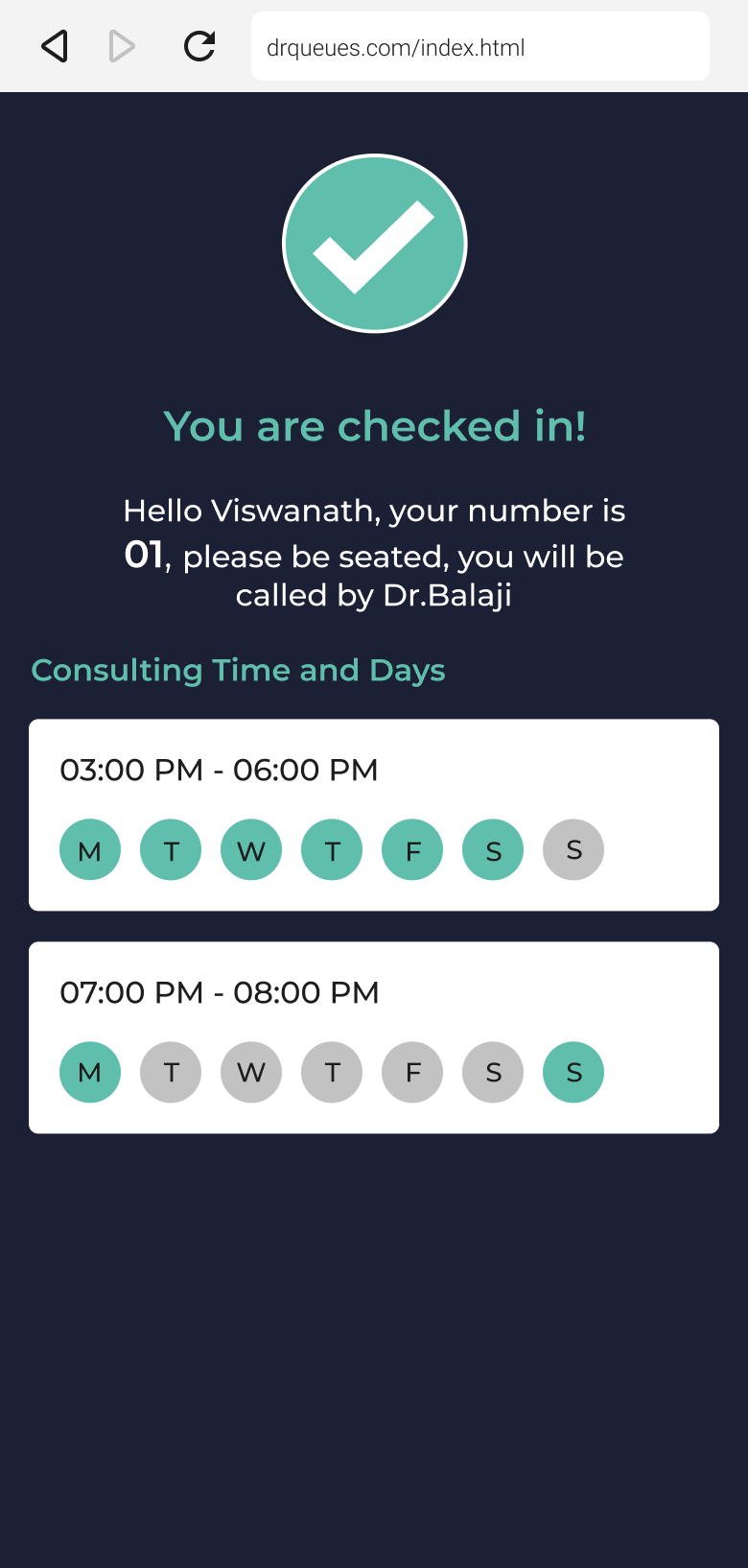
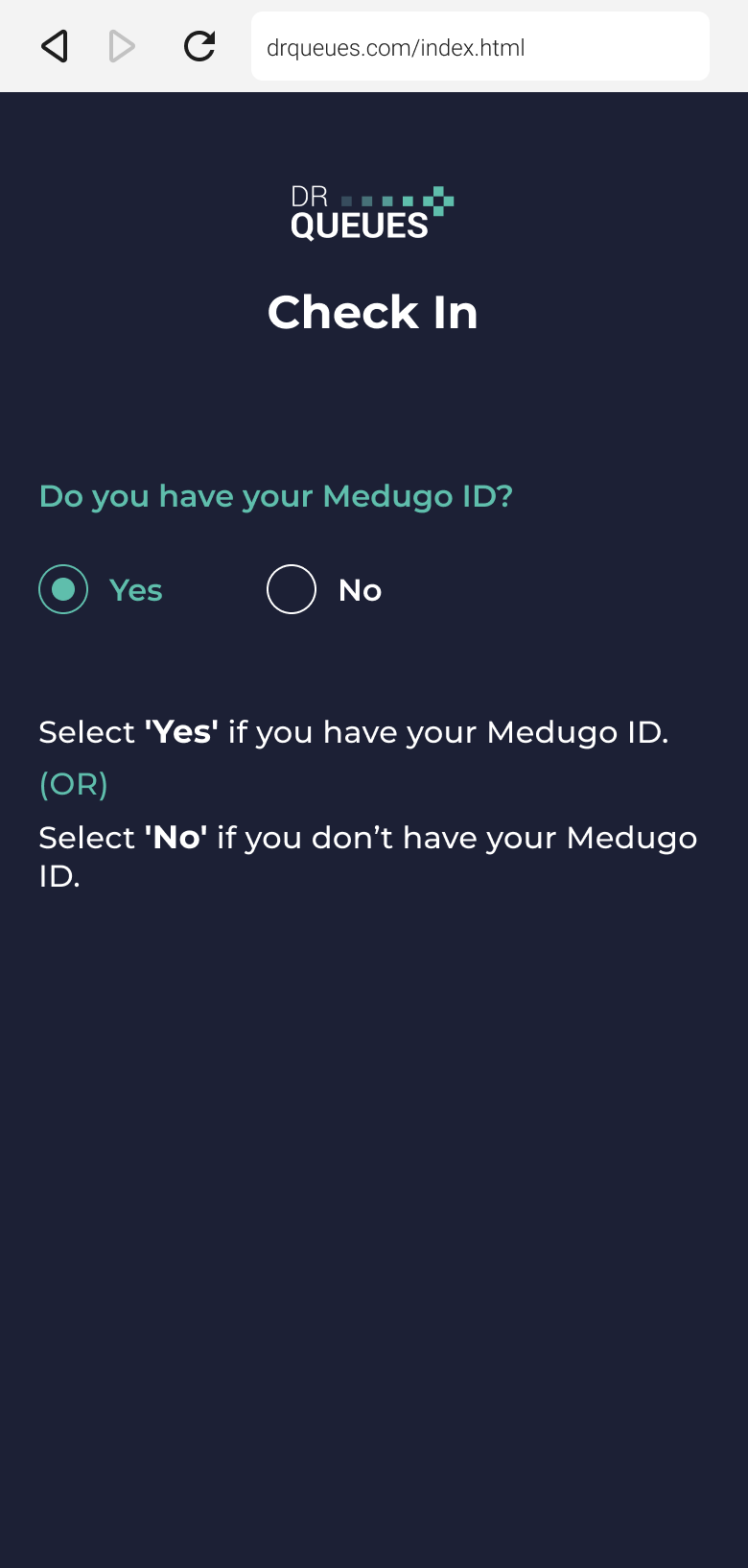
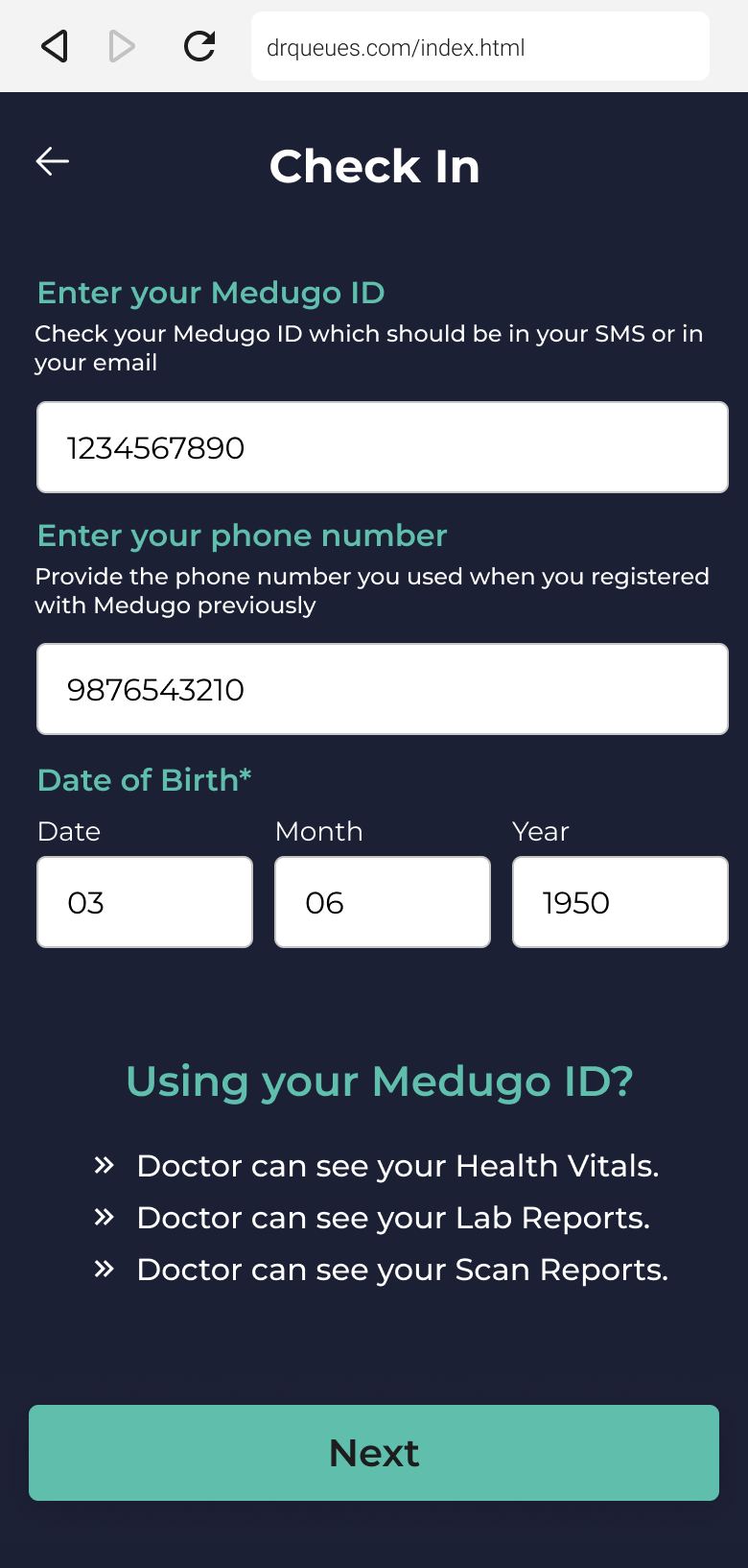
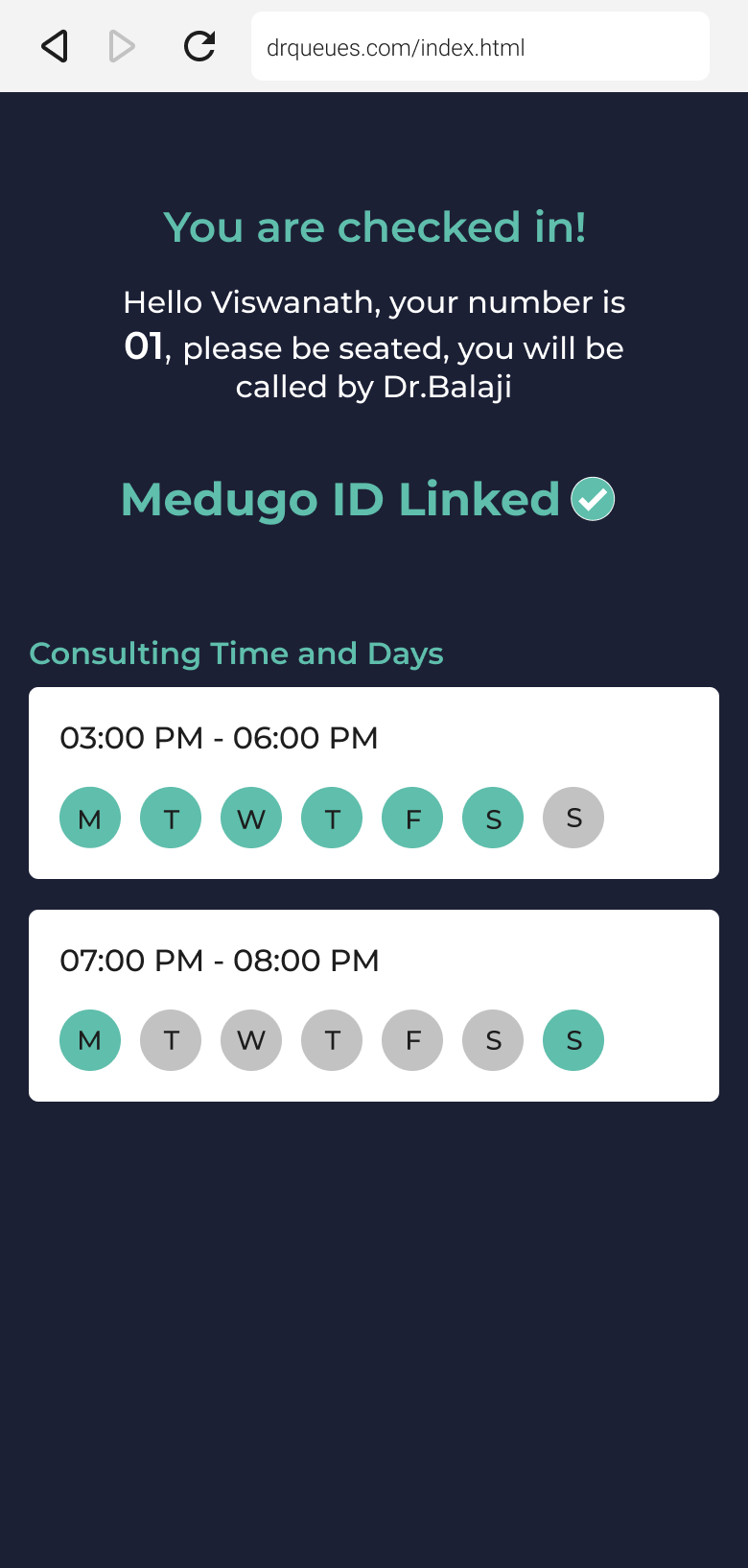
Patient Check-in View
App Installation Steps - iPhone Mockup
Step 1
Step 2
Step 3
Step 4
Step 5
Step 6
Step 7
Step 8